
Clinics & care
Running a postnatal care centre: 8 problems that cost you rooms and money
On this page
A postnatal care centre sells something no hotel does: a room booked around a date nobody controls. The family enquires months ahead, the baby decides when the stay actually starts, and the mother may stay longer than planned. Every one of those moments is where centres lose a room, a booking or money they were owed.
This guide is for owners and managers of postnatal and maternity stay centres, including Ayurveda prasava raksha and sutika care centres. It walks through the eight problems we hear most often from centres, why they happen, and what fixes them, whether you use a register, a spreadsheet or software.
The short answer
1. The delivery date moves, and the room plan breaks
Why it happens: A booking is made against an expected delivery date, but babies come early or late by days or weeks. In a register, moving one booking means checking every other booking by hand, so clashes appear only when two families arrive for the same room.
What fixes it:
- Record the expected delivery date on every booking, separately from the check-in date.
- Hold capacity in the room category while the stay is tentative; assign the actual room only when you confirm or admit.
- When the date moves, re-check availability for the new nights before you say yes, and keep a note of the old date and the reason.
In inPos: Stays are booked against the expected delivery date. Moving a tentative stay re-checks room-category capacity for the new nights; moving a confirmed stay re-locks a free room or refuses. Each change is kept in the stay’s date history.
2. Families enquire on WhatsApp, and nobody follows up
Why it happens: Enquiries arrive on the centre’s phone, often from a husband or parent. Staff reply with a price, the chat scrolls away, and three weeks later nobody knows who was quoted what, or who is still deciding.
What fixes it:
- Quote from one price list so every family gets the same price for the same room and stay length.
- Save each quote as an enquiry with name, phone, package, room category, days and expected date.
- Review open enquiries every week; book them or mark them not interested so the list stays honest.
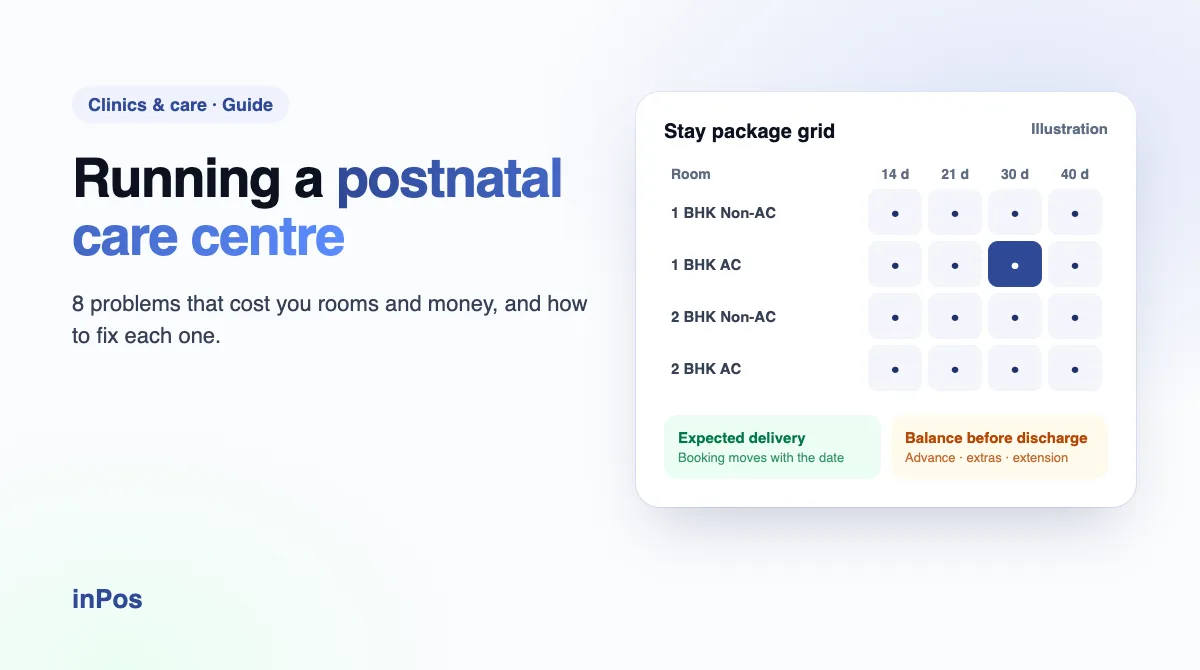
In inPos: Pick a cell of your price grid and send the quote, with its inclusions and your footer note, on WhatsApp from your own phone. It is saved as an open enquiry you can resend, convert to a booking or mark not interested.
3. The same room is promised to two families
Why it happens: Different staff take bookings on different shifts, and the room chart on the wall is updated late. Overlaps are invisible until the second family is at the door.
What fixes it:
- Count every tentative, confirmed and admitted stay against the rooms you actually have in each category.
- Lock a specific room for its nights once a stay is confirmed.
- If you ever overbook on purpose, make it an explicit, visible decision, not an accident.
In inPos: Tentative stays count against category capacity and confirmed or admitted stays lock a specific room for their nights. When a category is full, staff see it before saving and can only overbook by ticking an explicit overbooking option.
4. Advances sit in a notebook, not on the booking
Why it happens: An advance is taken months before admission, sometimes by UPI to one phone and sometimes in cash at the desk. By discharge, nobody is sure what was already paid.
What fixes it:
- Record the advance on the booking itself, with the payment method.
- Show total, paid and balance on every stay, from booking to discharge.
In inPos: The advance is recorded when the tentative booking is made (cash, UPI, card or bank transfer) and every later payment goes on the same stay bill, which always shows total, paid and balance due.
5. No time to clean the room between stays
Why it happens: One mother checks out in the morning and the next is booked into the same room that afternoon. The room is not ready, and the new family’s first impression suffers.
What fixes it:
- Decide how many cleaning days each package needs between stays.
- Treat those days as part of the booking when you check availability.
In inPos: Each package has a turnover buffer in days. Availability counts each stay’s nights plus that buffer, so the next booking never lands on a room that is still being cleaned.
6. Room changes halfway through the stay
Why it happens: A family asks for an AC room, a room needs maintenance, or a bigger room frees up. The move happens, but the room chart, the bill and the next booking for the old room do not all get updated.
What fixes it:
- Check which rooms are free for the remaining nights before moving anyone.
- Record the move with a reason, and bill any difference on the same stay.
In inPos: Look up free rooms for the stay’s remaining nights and transfer it with a reason. Add any price difference as an extra charge on the stay bill.
7. Extensions and extras that never reach the bill
Why it happens: A mother extends by a week, or the bystander takes extra meals. It is agreed verbally at the nursing station and forgotten by the time accounts prepares the bill.
What fixes it:
- Set an extension rate per day for each room category and stay length.
- Add extras to the stay as they happen, with quantity and price.
In inPos: Add an extension in days at the extension rate from your price grid, or an extra item with quantity and unit price. The stay’s check-out date and balance update immediately.
8. Discharge day with an unpaid balance
Why it happens: The family is packing, the car is waiting, and the final bill is still being worked out. Collecting a balance after the family has left is awkward and often fails.
What fixes it:
- Make settlement part of the discharge step, not something done afterwards.
- Let only a manager clear a discharge with money still due, and note why.
In inPos: Discharge is refused while a balance is due unless the manager clearance override is used, and discharge notes are saved on the stay.
A weekly checklist for postnatal centre managers
- Every open enquiry has been followed up, booked or marked not interested.
- Expected admissions for the next seven days are confirmed with the family.
- Bookings with a delivery date already passed have been moved or checked.
- Every mother in-house shows the right room, days remaining and balance due.
- Extensions and extras agreed this week are on the stay bill.
- Price grid, extension rates and inclusions match what staff are quoting.
In inPos, the stays dashboard shows the first four in one place: expected admissions for the next seven days and overdue delivery dates with the advance paid, and everyone in-house with their room, days remaining and balance.
See your own package grid in inPos
Bring your room categories, stay lengths and prices. We set them up in the demo and walk one stay from enquiry to discharge.
 inPos team
Written by the people who build inPos at Innerix Technologies, Kerala.